
Black Clover
2017 · ★ 8.2 · TV Series
Choose between a favourite and a folder instead of treating every save action as the same thing. Organise films and shows by how you plan to return to them.
2017 · ★ 8.2 · TV Series
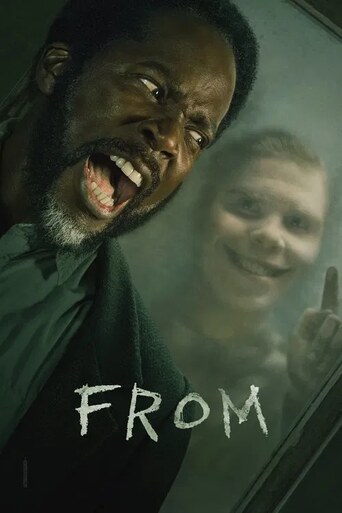
2022 · ★ 7.7 · TV Series

2026 · ★ 6.4 · TV Series

2025 · ★ 7.8 · TV Series

2022 · ★ 8.4 · TV Series

2026 · ★ 8.1 · TV Series

2026 · ★ 6.9 · TV Series

2026 · ★ 8.2 · TV Series

2025 · ★ 9.0 · TV Series

2008 · ★ 8.2 · TV Series

2026 · ★ 7.9 · TV Series

2023 · ★ 8.0 · TV Series
A favourite is useful when you want to keep a title close without creating a detailed system. It records your interest in that film or show. The visible public heart count describes activity across users, so it can remain after you remove your own mark or sign out.
Look at the control’s selected state when checking your own action. A number beside a heart is not proof that the title is in your personal library.
| Task | Tool | What to check |
|---|---|---|
| Keep one interesting title | Favourite | Your selected heart state |
| Group several related choices | Folder | The folder and its contents |
| Record your evaluation | Personal stars | Your own selected rating |
Folders help when several titles belong together for a reason: a planned movie night, a style you want to explore or shows you are considering. Choose names you will understand later rather than creating a large taxonomy for its own sake.
Use the watchlist method to keep a folder manageable. For star controls and shared figures, read personal versus community ratings.
Open the account page and confirm the signed-in identity. When you move to another Cineby domain, you may need to sign in there before the shared personal library appears. That extra login is different from creating a separate set of saved choices.
If an item still appears wrong, send its URL and the action you expected through Contact. Never include a password or a session cookie in the report.